Golf Launch Monitor Alignment: How to Set Up for More Reliable Data
Evidence label: Research-led guide. This article is based on manufacturer setup guidance and practical setup principles. It is not a hands-on accuracy test of any particular launch monitor.
A launch monitor can only work with the shot it is able to see. That sounds obvious, but it is easy to turn a useful practice session into a confusing one by rushing the setup: a unit pointing slightly away from the target, a ball outside the intended hitting area, or a floor that is not behaving as expected.
The sensible aim is not to chase a universal magic measurement. Different radar and camera-based monitors have different placement instructions, hitting zones and alignment methods. The useful habit is simpler: create a repeatable target line, put the ball where your device expects it, and follow the guidance for that exact model before trusting the numbers.
Why launch monitor alignment matters
Launch monitors calculate or observe a ball flight relative to their own position and the intended target direction. If the device, ball and target line are not set up consistently, the session can become harder to interpret. A number that looks surprising may be a swing pattern, a setup issue, or a combination of both.
This is particularly relevant when you are comparing sessions. A useful baseline needs broadly the same environment each time: similar hitting location, a clear target, the correct ball position and the device’s recommended setup process.
It is also why a single odd shot should not automatically lead to a verdict on a launch monitor’s accuracy. Start with the setup, then look for a pattern across a sensible group of strikes. Our guide to what launch monitor accuracy really means explains why repeatability and context matter more than one headline number.
The practical alignment checklist
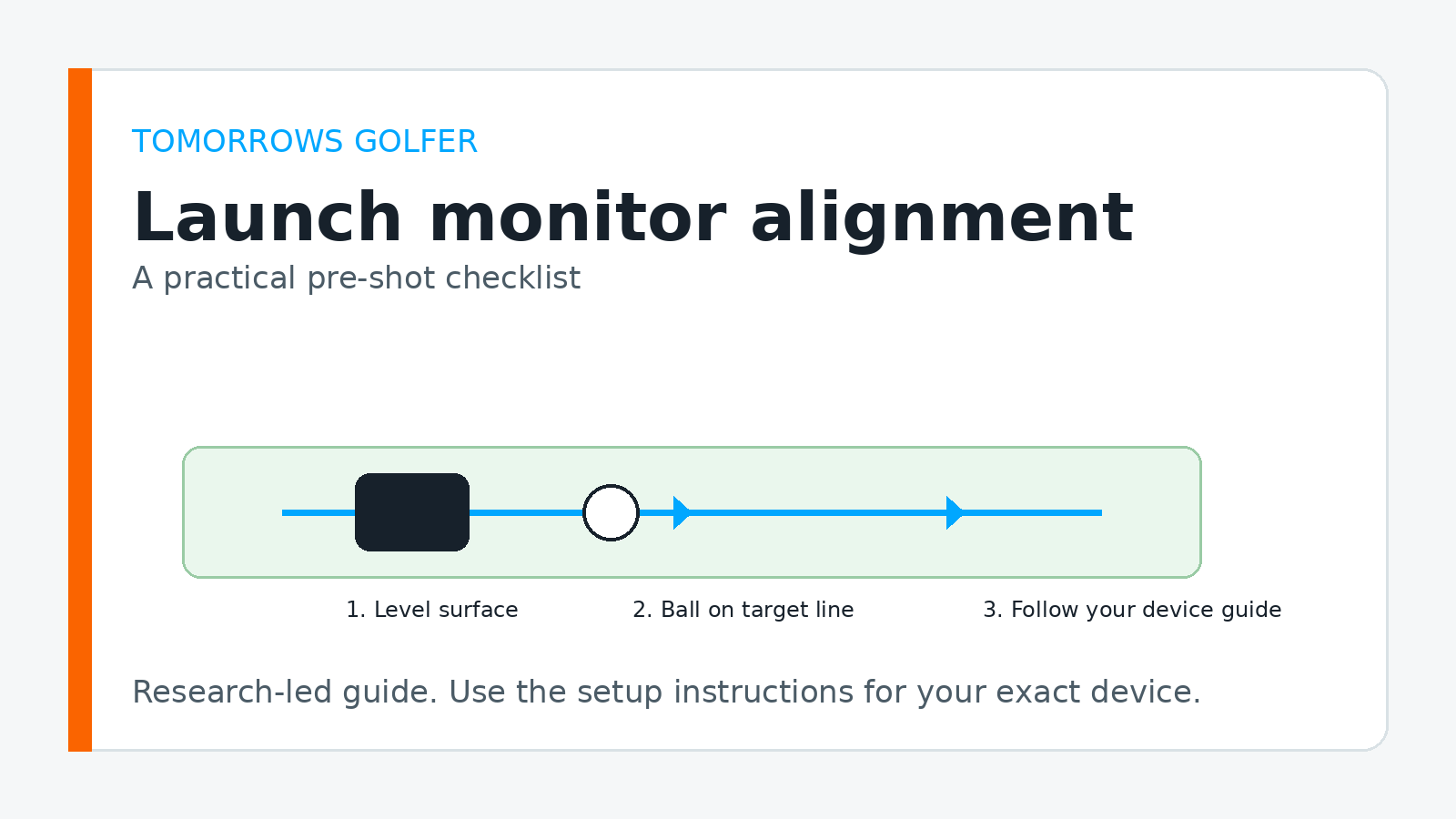
1. Start with a real target line
Pick a target that is easy to identify and keep using it. Outdoors, that might be a specific flag, alignment stick or mark down range. Indoors, it may be the centre line of your mat, screen or enclosure.
The point is not that every shot must start perfectly online. The point is to know what “straight at the target” means before you look at start direction, shot shape or dispersion. If the target keeps moving in your mind, the data has less value.
2. Make the hitting area repeatable
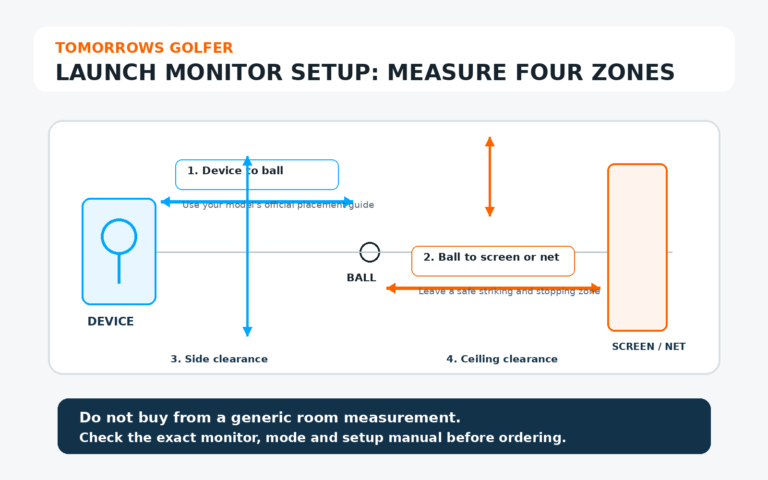
Use the ball position and device-to-ball relationship specified in your monitor’s current instructions. Do not substitute a measurement from a different model, even if the products use similar technology. Camera-based and radar-based systems can have very different requirements.
When a mat has several possible hitting spots, mark the one you use. That small bit of consistency makes it easier to diagnose a strange session later.
3. Check the ground before the first ball
A stable, level setup gives you a better chance of reproducing the position you intended. Look for a mat that is sitting flat, a tripod that is not rocking and a unit that has not been knocked out of place by a club, bag or loose cable.
This is not a promise that a level floor fixes every data issue. It is simply a basic variable worth removing before you change settings or start blaming your swing.
4. Complete the model-specific alignment process
Many launch monitors provide an alignment aid, target-line workflow or calibration step. Use it. That guidance takes priority over generic advice because it is written for the way that particular device sees the shot.
For example, consult the current support materials for your own monitor before changing its placement or mode. Manufacturer support libraries are the right place to begin, including Garmin support for Approach R10. Check the instructions again after firmware or app updates, as setup workflows can change.
5. Take a short baseline, not one verdict shot
Hit a small group of ordinary shots with the same club. Look first at whether the data is coherent and whether the setup has stayed put. If one result looks implausible, do not immediately adjust the target line to make it look nicer. Recheck the physical setup and then compare several shots.
That approach is calmer and more useful than continually moving the monitor after every miss-hit.
What alignment can and cannot tell you
Alignment helps you make the session easier to trust and repeat. It cannot turn poor contact into perfect data, override the limits of a particular device or replace the manufacturer’s intended indoor and outdoor setup.
It also cannot answer every improvement question by itself. If you are practising at a range, choose one or two numbers that relate to the shot you are trying to change rather than watching every metric at once. See our practical guide to using launch monitor data at the range without overthinking it.
Common setup mistakes to avoid
- Using another model’s measurements: a forum post or video may be accurate for its owner’s device but irrelevant to yours.
- Changing the target line after every imperfect shot: judge the setup over a group of strikes.
- Forgetting the surface: a tilted mat, loose tripod or moving hitting spot makes consistency harder.
- Assuming indoor and outdoor setups are interchangeable: check the current instructions for your chosen mode.
- Trying to fix data with guesswork: return to the official setup guide before changing positions or settings.
Who this is for, and who should skip it
This guide is for: golfers who own or are considering a launch monitor and want a straightforward setup routine before range or home-simulator sessions.
Skip it if: you need the precise placement, alignment steps or compatibility details for one named product. Go directly to that manufacturer’s latest manual or support page instead.
Tomorrows Golfer verdict
Better alignment is not about creating a laboratory. It is about removing avoidable doubt. Build one simple, repeatable setup routine, follow the exact instructions for your monitor and use a short run of shots before drawing conclusions. That gives the data a much better chance of helping your practice rather than distracting from it.
If you are still deciding whether a device suits your setup, read launch monitor vs golf simulator and whether you can use a launch monitor outdoors.