Launch Monitor Club Data vs Ball Data: Which Numbers Matter Most?
Evidence: Research-led guide. This article explains the difference between common launch-monitor data categories using manufacturer documentation and practical buying logic. It is not a hands-on test.
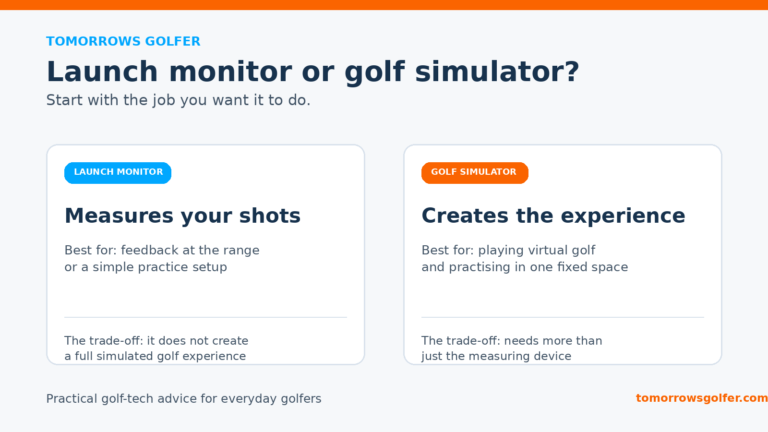
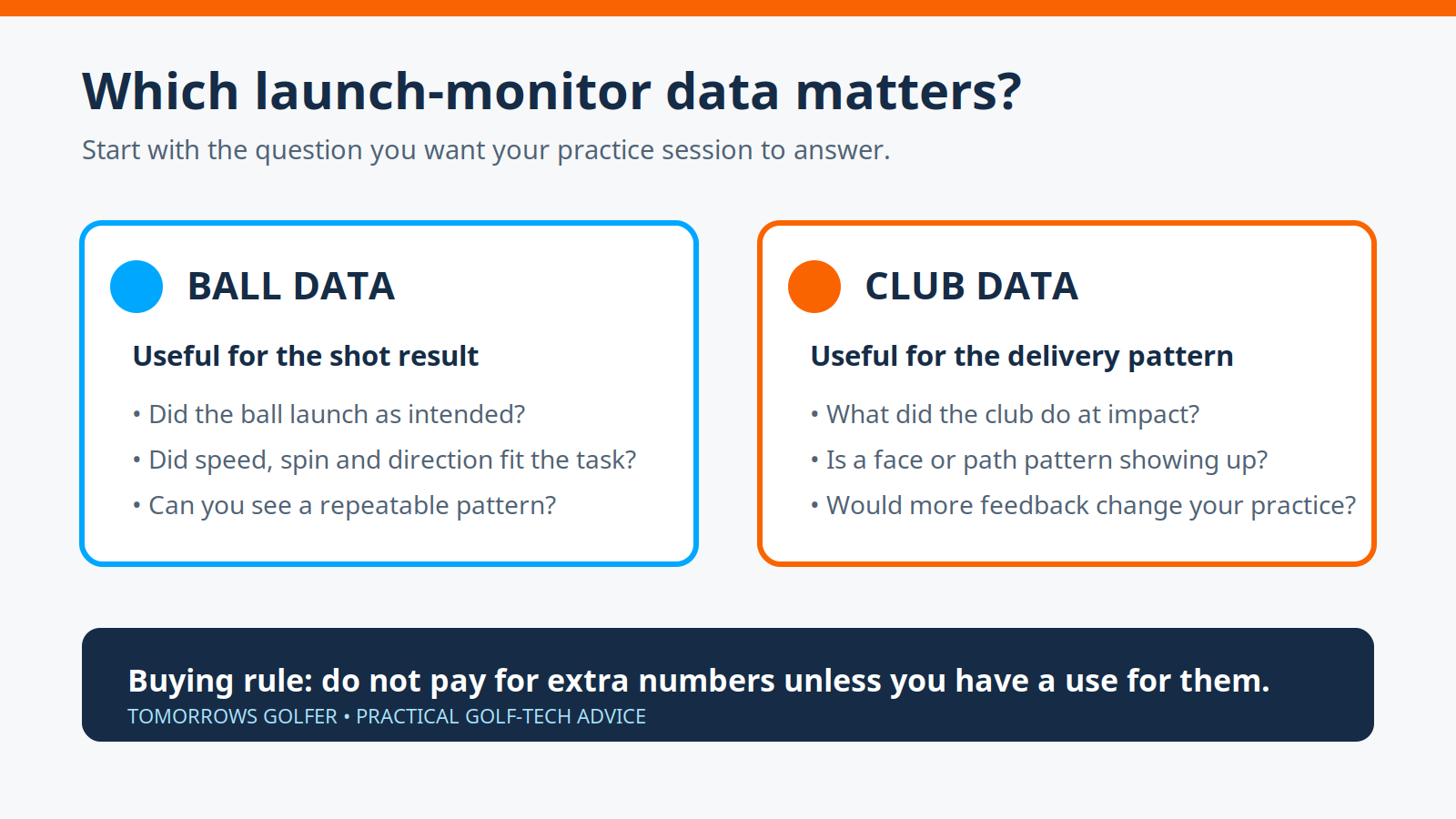
A launch monitor can quickly turn a simple range session into a screen full of numbers. That does not mean every number will help. The useful distinction is between ball data, which describes the shot result, and club data, which describes aspects of how the club was delivered.
For most everyday golfers, ball data should be the starting point. It gives you a direct way to see whether a shot is doing what you intended. Club data becomes more valuable when you have a specific delivery question, a coach or fitting process, and a clear plan for what you will change with the information.
Ball data: the result of the shot
Ball data is the practical place to begin because it tells you what happened to the ball. Depending on the device and setup, that can include measures such as ball speed, launch, spin, carry and direction. The exact list, and whether a figure is directly measured or calculated, varies by monitor, mode and environment.
This category is usually enough for questions such as:
- Is this club carrying a sensible distance for me?
- Does my lower-flight shot actually launch and spin lower?
- Has a swing change made my strike faster or slower?
- Is the common miss starting or finishing in a consistent place?
It also makes practice easier to keep focused. Pick one or two outcome measures before you hit balls. For example, a player trying to improve wedge distance control might use carry and dispersion rather than chasing every available number.
Our guide to using launch-monitor data at the range explains how to keep that feedback from becoming noise.
Club data: clues about delivery
Club data is aimed at the movement and orientation of the club around impact. Manufacturers may list measures such as clubhead speed, path, face angle, angle of attack, dynamic loft or impact location. The available data is not standard across the market, so never assume that two monitors provide the same measurements or produce them in the same conditions.
This is useful when the ball result alone does not answer the question. A repeated right miss, for instance, can be visible in ball flight. Club-related data may help a knowledgeable golfer or coach investigate the delivery pattern behind it.
The trade-off is that more data can encourage false certainty. A single poor strike, imperfect alignment or unsuitable indoor setup can distract from the pattern you are actually trying to find. Treat club data as a prompt for a better question, not an automatic diagnosis.
Which should matter most when buying?
Start with the golf you want to do, not the longest specifications list.
Choose ball data first if you want to:
- practise distance control and gapping;
- see a simple ball-flight pattern at the range or at home;
- use a simulator mainly for play and straightforward practice; or
- keep the learning curve and budget under control.
Pay more attention to club data if you want to:
- work through a defined swing-delivery question with a coach;
- get more from a fitting or structured practice plan;
- compare repeatable strike patterns rather than isolated shots; or
- know in advance which measures you will use and why.
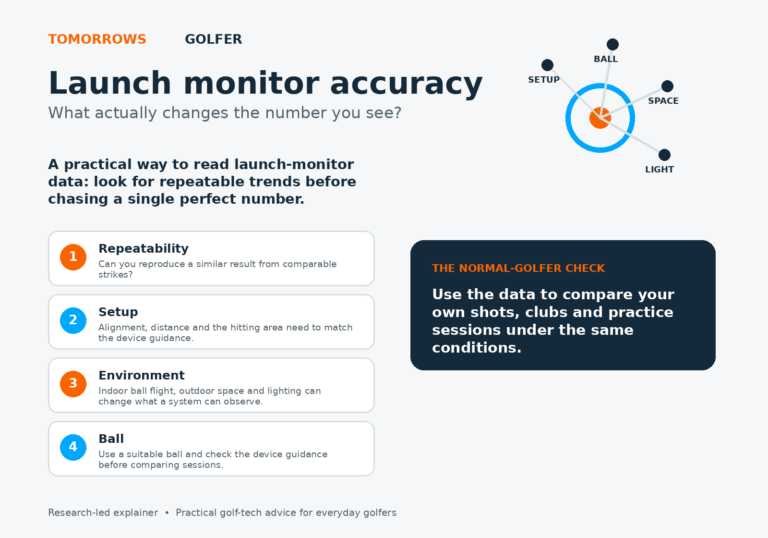
Neither category makes a monitor automatically more accurate. Accuracy depends on the specific measurement, technology, setup, ball flight available and the conditions in which you use it. Read what launch-monitor accuracy actually means before treating a specification as a promise.
Do not compare spec sheets line by line
A device may show a long list of data points but limit some of them to certain software packages, club markers, metallic dots, compatible balls or indoor/outdoor modes. Others may provide a shorter list that is entirely suitable for the way you practise.
Before buying, check the current official product page and manual for:
- which ball and club metrics are available in the exact product and software tier;
- whether any marked balls, club stickers or extra hardware are required;
- the stated indoor and outdoor setup requirements;
- which metrics are measured and which are calculated, where the manufacturer explains this; and
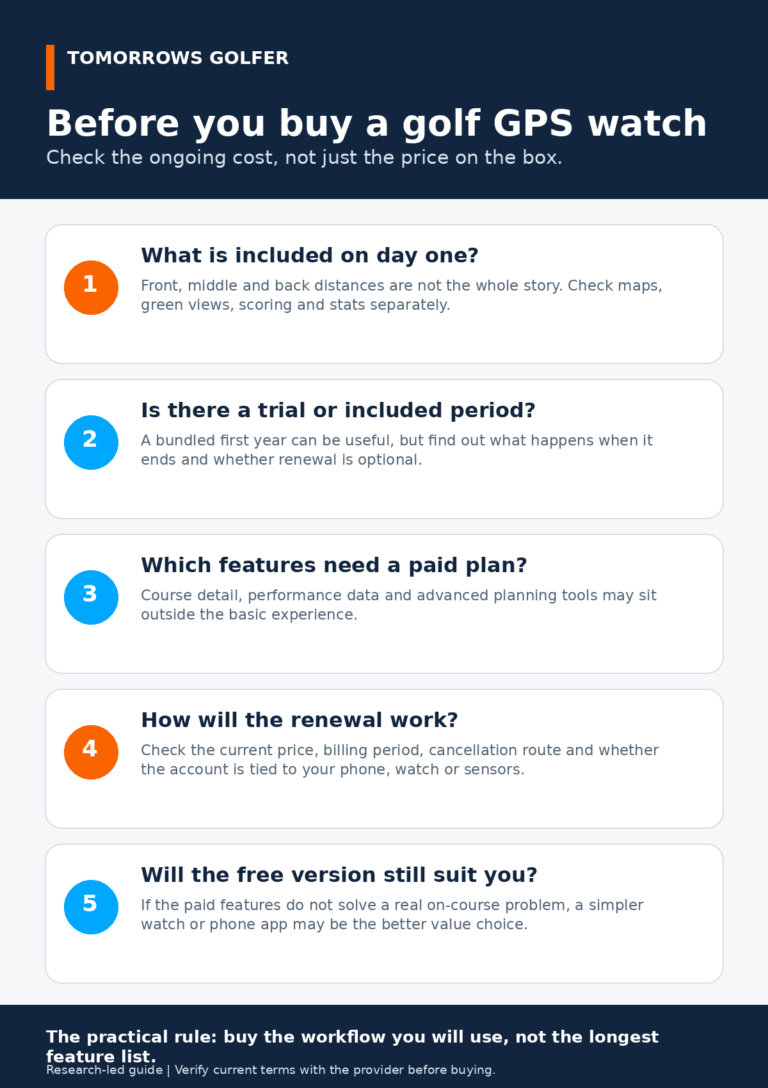
- the total cost of software or subscriptions needed for the data you actually want.
Foresight’s GCQuad product page, for example, separates its published ball-data and club-data lists. Trackman’s Trackman 4 page separately advertises club, ball and putting parameter counts. Those examples show why the category label matters, but they are not a reason to assume comparable coverage across all monitors.
A practical range-session rule
Use ball data to decide whether the shot outcome is improving. Bring in one club-data measure only when it gives you a useful next question. If it does not change what you practise, it is probably not worth becoming the centre of the session.
That approach also makes buying clearer. A monitor with fewer numbers can still be the right tool if it gives you reliable feedback for the shots and practice space you have.
Tomorrows Golfer verdict
For most golfers, ball data is the foundation because it connects directly to distance, launch, spin and shot pattern. Club data can be valuable, especially for coaching and fitting, but it earns its place when it supports a specific decision rather than simply making the screen busier. Buy for the feedback you will use repeatedly, then verify the exact data package and setup requirements with the manufacturer.