Golf Simulator Projector Lumens: How Bright Does It Need to Be?
Evidence: Research-led guide. This article uses current manufacturer guidance and practical setup principles. Tomorrows Golfer has not hands-on tested every projector or room layout mentioned here.
A golf-simulator projector does not need to make a bright living room look like a cinema. It needs to leave a clear, usable image on your chosen impact screen in your room. That is why a lumen number on its own is a poor buying shortcut.
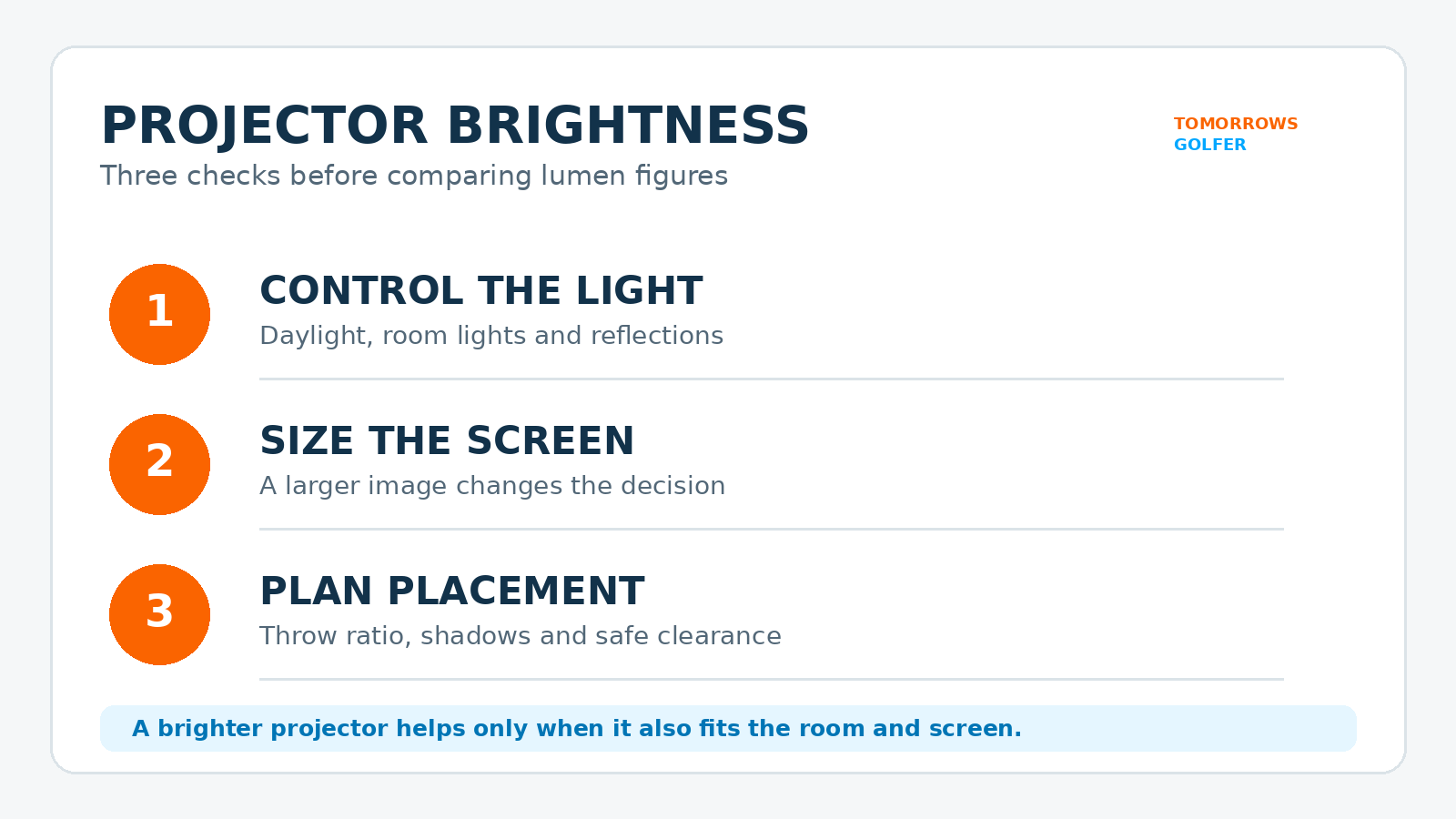
If you are building in a darkened garage or spare room, controlling light can be more valuable than paying for extra brightness. If the room has daylight, pale walls or lighting you cannot fully control, brightness becomes a bigger part of the decision. Screen size, screen material, projector position and simulator use all matter too.
The short answer
Choose projector brightness after you have fixed the room, screen and placement. A bright projector can help a more open or light-affected space, but it will not solve every visibility problem. A darker, controlled room gives you more freedom to prioritise other qualities, such as placement flexibility, resolution, noise and input options.
Projector manufacturers use lumens to describe light output, but their published figure is not a promise of how a golf-simulator image will look in every setup. Epson’s projector brightness guide also frames the choice around ambient light and the setting rather than a single universal specification.
Start with the room, not the product listing
Before comparing projectors, stand in the room at the time you expect to play. Look for direct daylight, reflections from white walls, overhead lighting and any door or window you cannot easily cover. These are the things most likely to make a projected course look washed out.
A dedicated simulator room with blackout blinds and controllable lighting is the easiest case. A shared garage, lounge or garden building needs a more cautious plan. In those spaces, the useful question is not “what is the best lumen number?” but “how much light can I realistically control?”
Screen size changes the brightness decision
A larger image asks more of the projector than a smaller one. It is tempting to chase the biggest possible screen, but an oversized image can leave you balancing brightness, placement and budget at the same time. Decide on safe screen dimensions first, then look at projectors that suit that image size and room.
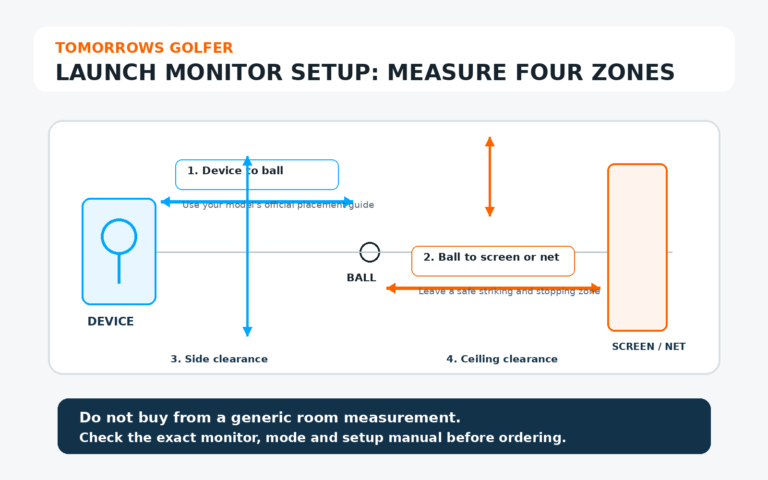
Use our guide to golf simulator room size to check the practical space around the hitting area. If you are still choosing the screen itself, our net versus impact screen guide is a useful companion.
Placement can create problems that lumens cannot fix
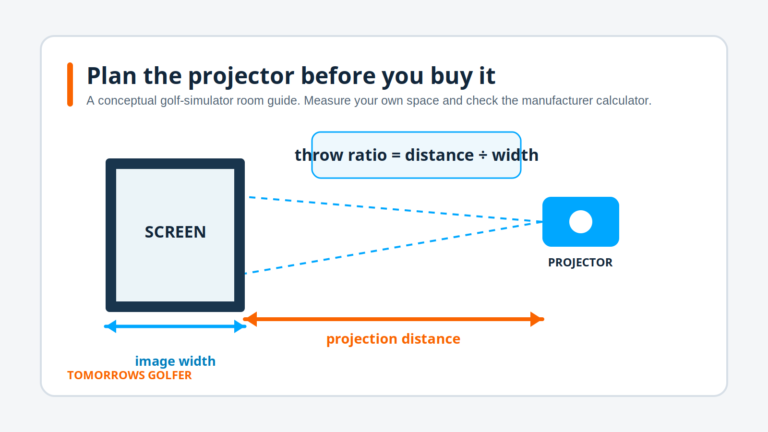
A ceiling-mounted or short-throw projector can reduce the chance of you casting a shadow across the image. It may also make cable routing and safety easier. However, the right position depends on the projector’s throw ratio, screen size and your swing area.
Do not buy on brightness before checking the throw calculation. Our projector throw-ratio explainer shows why distance from lens to screen is central to a workable layout.
A practical buying checklist
- Measure the available screen area. Leave safe margins around the hitting zone rather than designing only for the projected image.
- Audit the light. Check daylight, overhead lights and reflective surfaces at the hours you will actually use the simulator.
- Plan the projector location. Confirm throw ratio, mounting position, cable run and clearance from the swing.
- Read the exact manufacturer’s specification. Compare the stated light output, inputs, warranty terms and installation guidance for the model you are considering.
- Keep budget for light control. Blinds, curtains and sensible lighting can be a better first improvement than simply buying the brightest available projector.
Who should prioritise brightness?
Brightness deserves more attention if your simulator shares a room with normal household use, has uncontrolled daylight, uses a larger screen, or cannot avoid reflective surfaces. It is less likely to be the only priority in a purpose-built dark room where placement and screen size are already well controlled.
Who should not overpay for lumens?
Do not assume that the largest published lumen figure is automatically the best buy for a compact, darkened setup. A projector still has to work with your screen, computer or simulator source, mounting plan and budget. If the room is controllable, spend time comparing the whole setup instead of treating brightness as a one-number verdict.
Tomorrows Golfer verdict
For a home golf simulator, projector lumens are a room-and-screen decision, not a badge of quality. Sort out light control, screen size and projector placement first. Then use the exact manufacturer specification to narrow the shortlist. That approach is slower than picking the brightest number in a listing, but it is far less likely to leave you with a washed-out image or a projector that does not fit the room.
Frequently asked questions
Do more lumens always make a golf simulator better?
No. More light output can help in a brighter room, but it does not replace sensible light control, a suitable screen size or correct projector placement.
Should I choose the screen before the projector?
Plan them together. The available room and safe hitting area determine the screen size, while the screen size and projector throw ratio determine whether a projector can create the image from the proposed location.
Can I use a normal home projector for a golf simulator?
Possibly, but check its stated brightness, throw ratio, input support, installation guidance and suitability for your room. A general home projector is not automatically a practical simulator projector.