Do You Need Special Golf Balls for a Launch Monitor?
Evidence label: Research-led guide. This article uses published manufacturer guidance and general launch-monitor setup principles. It is not based on hands-on testing of a particular monitor or ball.
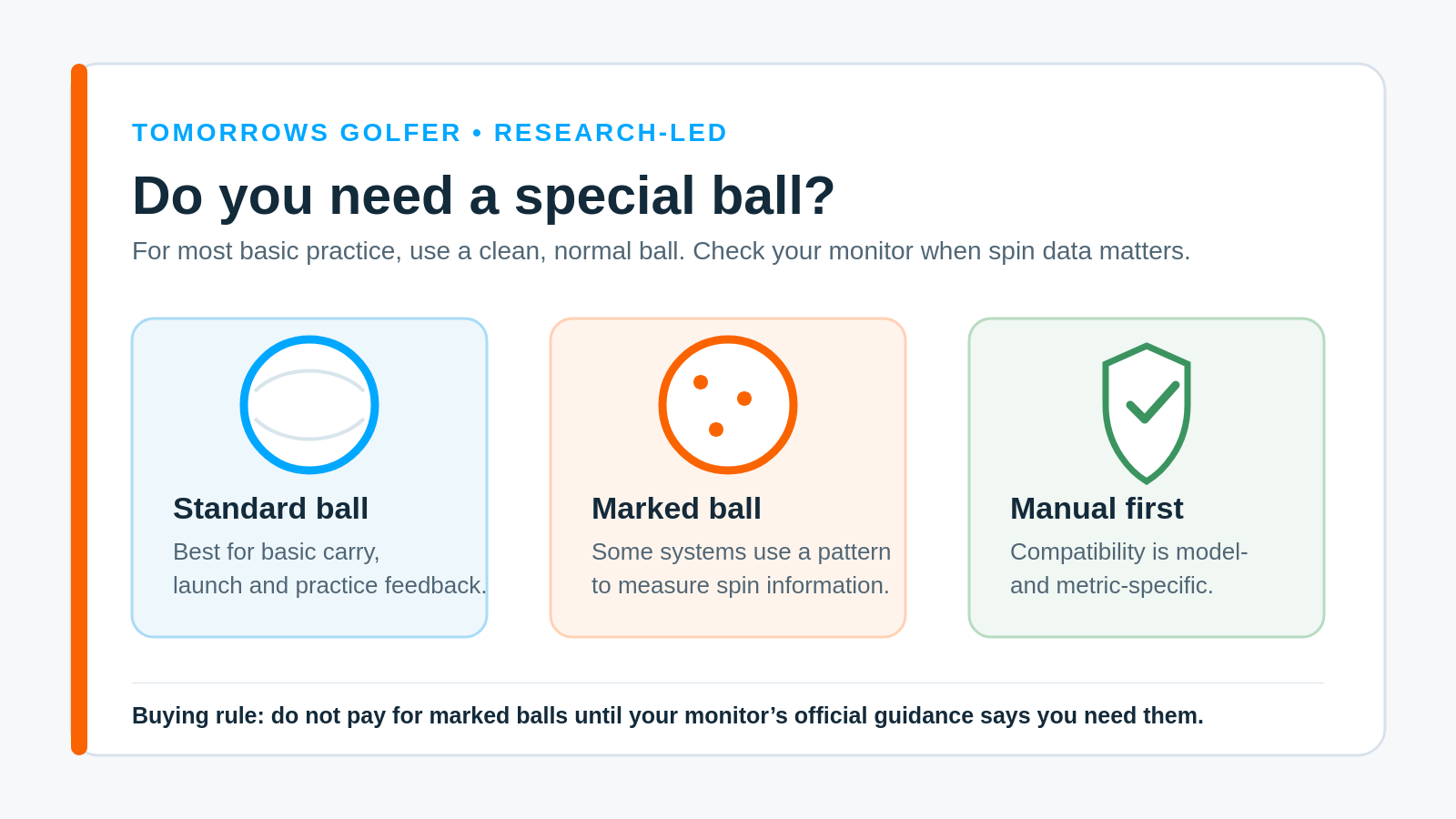
Most golfers do not need a special ball every time they use a launch monitor. A clean, normal golf ball is usually enough for basic practice, such as comparing carry distance, ball speed and launch from one session to the next.
The catch is spin. Some monitors use a recognisable ball pattern to measure particular spin data, especially in indoor setups with limited flight. That does not make marked balls a universal upgrade. It makes them a device-specific accessory that only earns its place when your own monitor says it does.
The short answer
Use the ball your monitor’s manual recommends. If the manual does not require a marked or specially printed ball for the mode you use, do not assume you need one.
A standard ball can be perfectly useful for a range session or a home net session. Keep it clean, avoid heavily scuffed balls, and use the same ball model when you are trying to compare one practice session with another. Consistency matters more than chasing a supposedly perfect reading from a single shot.
Why some launch monitors care about the ball
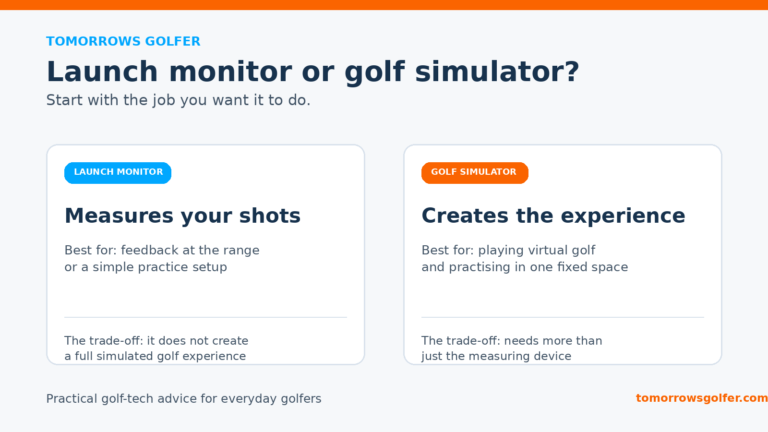
Launch monitors do not all measure a shot in the same way. Radar-based systems observe movement over a period of flight. Camera-based systems use images around impact. Some products use a printed pattern or a reflective feature on a ball to help identify how it is spinning.
Indoor practice can make the distinction more important. A ball that hits a net quickly gives a system less flight to observe. The monitor may still provide useful feedback, but a specific mode or metric can have its own ball requirement. Read the relevant setup instructions for indoor mode rather than applying a rule from a different product.
Our guide to what launch-monitor accuracy really means explains why setup, environment and ball choice all affect the usefulness of a reading. If you are choosing technology for a room, radar versus camera golf-simulator technology is the other useful starting point.
When a normal ball is enough
A normal ball is usually the sensible choice when your aim is practical feedback rather than a highly specific spin metric. That includes:
- checking whether carry distance is broadly repeating
- comparing two clubs in the same session
- making range practice more structured
- watching ball speed and launch trends
- using a monitor whose official guidance says standard balls are supported for the selected mode
Do not mix limited-flight range balls, old practice balls and your usual course ball, then treat the readings as a clean club comparison. Use one ball type where possible. A monitor can only work with the shot it sees.
When a marked ball may matter
Marked or model-specific balls become relevant when the manufacturer says they unlock or improve a particular measurement. Rapsodo is a clear current example. Its official Callaway RPT ball page says the MLM2PRO’s Impact Vision camera uses the print pattern for measured spin rate and spin axis, and that RPT balls are required for those measured spin numbers.
That claim applies to that product and those measurements. It should not be stretched into “all launch monitors need special balls”. Another monitor may use a standard ball for the same golfer’s usual practice job, may ask for a different compatible ball, or may calculate data in a different way.
The same caution applies to RCT and RPT terminology. Our existing RCT versus RPT golf balls explainer gives the plain-English background. Treat its device lists as a starting point, then confirm compatibility against the current manual, product support page or software release notes before you spend money.
A special ball will not fix a poor setup
A marked ball cannot rescue a monitor that is in the wrong place, aimed badly or being used in the wrong mode. Start with the basics: correct distance behind or beside the ball, a level surface where the manual requires one, a defined hitting position and enough safe space for the product.
For indoor practice, a ball position mark on the mat is often a more useful first purchase than a box of specialist balls. Check your room against our golf simulator room-size guide, then set the monitor up exactly as its manufacturer specifies. Golfers taking a unit to the range should also read can you use a launch monitor outdoors?.
What to check before buying special balls
- Your exact model: A brand name is not enough. Check the monitor model, software version and selected mode.
- The metric you want: You may only need a specific ball for measured spin information, not for ordinary carry or ball-speed practice.
- Indoor versus outdoor use: Follow the guidance for the environment where you will actually use the monitor.
- Ball condition: A worn, dirty or damaged printed pattern may not give the system the reference it expects.
- What you will do with the number: If spin data will not change your club, ball or practice decision, it may not be worth paying extra for it.
Who this advice is for, and who should take a different route
This advice suits everyday golfers who use a consumer launch monitor for home practice, a garage simulator or occasional range sessions. Begin with the standard ball your monitor supports, build a repeatable setup and add specialist balls only when the manual identifies a clear benefit for the measurement you care about.
Skip that simple route if you are doing a fitting, validating a premium ball change, or trying to make decisions from detailed spin and spin-axis data. In that case, follow the monitor maker’s specified ball and setup procedure, or use a fitting studio that can control the conditions.
Tomorrows Golfer verdict
Special golf balls are an accessory, not a default requirement. Buy them when the official guidance for your monitor says they are needed for a measurement you will genuinely use. For normal practice, a clean standard ball, correct placement and repeatable conditions are the better first priorities.
If you are still deciding whether a monitor makes sense for your practice, start with should you buy a launch monitor or pay for TrackMan sessions? and our guide to launch monitors under £500.