Launch Monitor vs Golf Simulator: What Is the Difference?
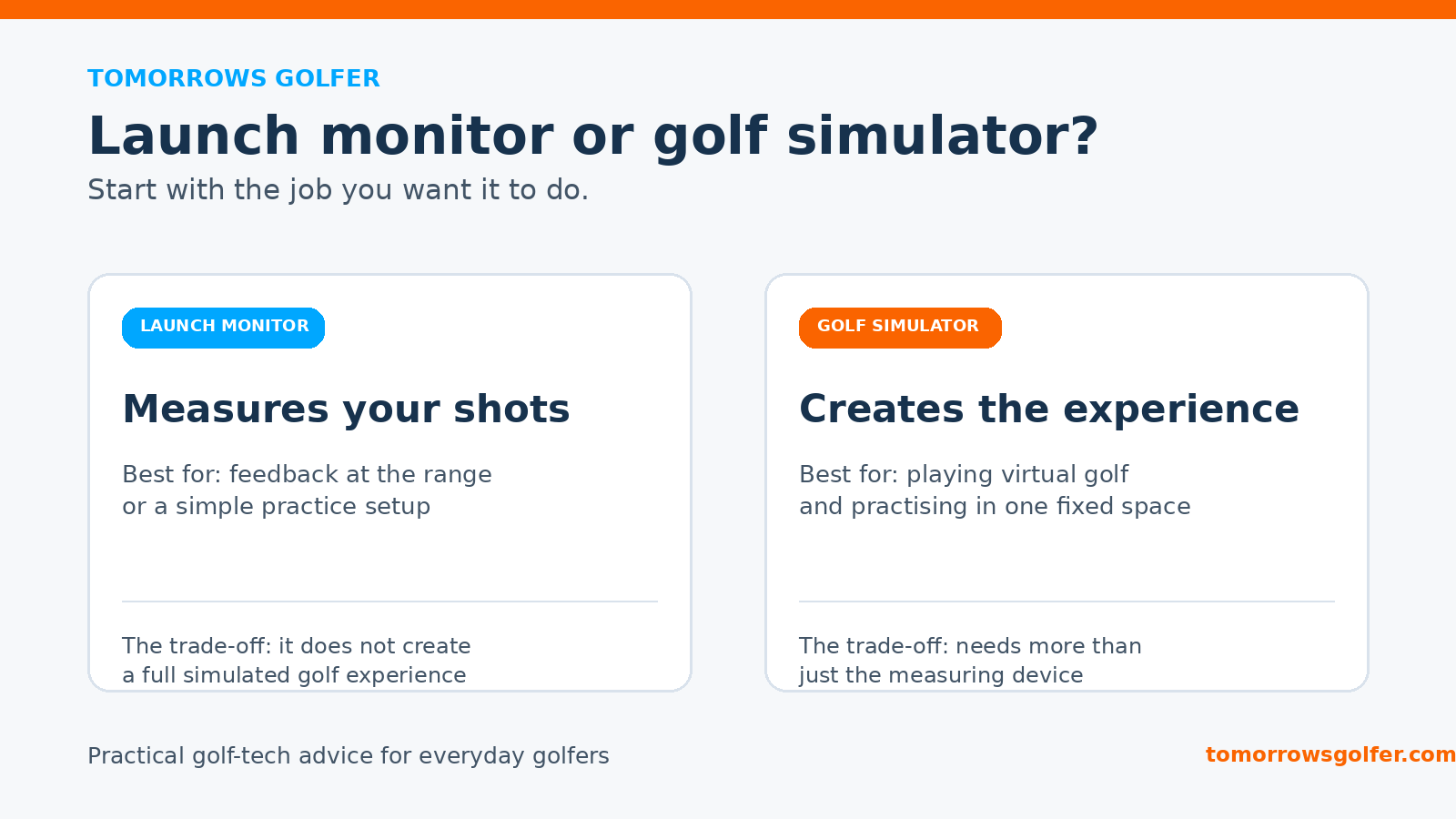
Evidence label: Research-led. A launch monitor and a golf simulator are related, but they are not the same purchase. The distinction matters because one is mainly a measuring device, while the other is a complete way to practise and play virtual golf.
If you are trying to decide between them, start with the problem you want to solve. Better feedback on the range, a more useful practice session at home, or a realistic virtual round each points towards a different setup.
The short answer
A launch monitor measures what happens to the ball and, on some models, the club at impact. It can show data such as ball speed, launch angle, spin and carry distance, depending on the device and setup.
A golf simulator is a wider system. It normally combines a launch monitor with simulator software and a hitting area. A screen, projector or display is often part of the experience, but not every simulator needs all three.
Put simply: the launch monitor is usually the measuring engine. The simulator is the environment built around it.
What a launch monitor is best at
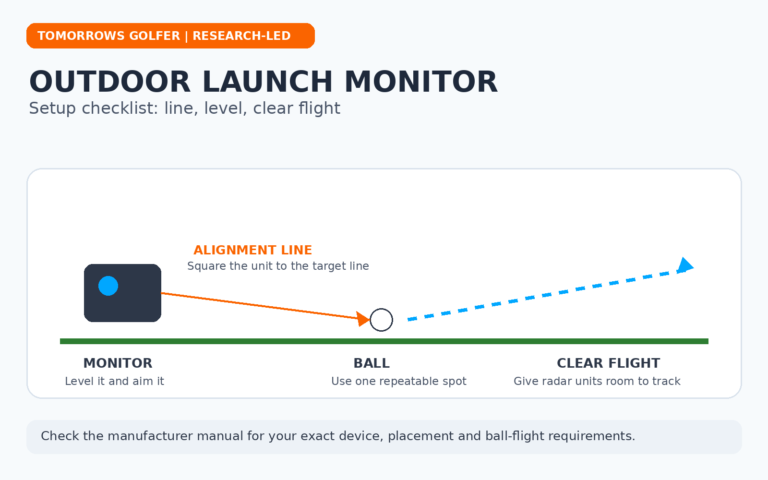
A launch monitor makes most sense when your priority is useful shot feedback. That could be a portable device for range sessions, a unit behind the ball in a garden, or the core of a future indoor build.
For many everyday golfers, the most valuable numbers are the simple ones: carry distance, ball speed, launch and a repeatable view of shot pattern. More data is not automatically more helpful. A setup that makes it easy to compare a seven-iron session this month with the next one can be more useful than a complicated dashboard you stop opening.
It can also be the lower-commitment route into home practice. You may be able to use a net and mat first, then add software or a display later if the space and budget justify it.
Best for: golfers who want feedback first, portability, outdoor range use, or an upgradeable starting point.
The trade-off: a launch monitor on its own does not automatically give you virtual courses, a projected image or a finished simulator room.
What a golf simulator adds
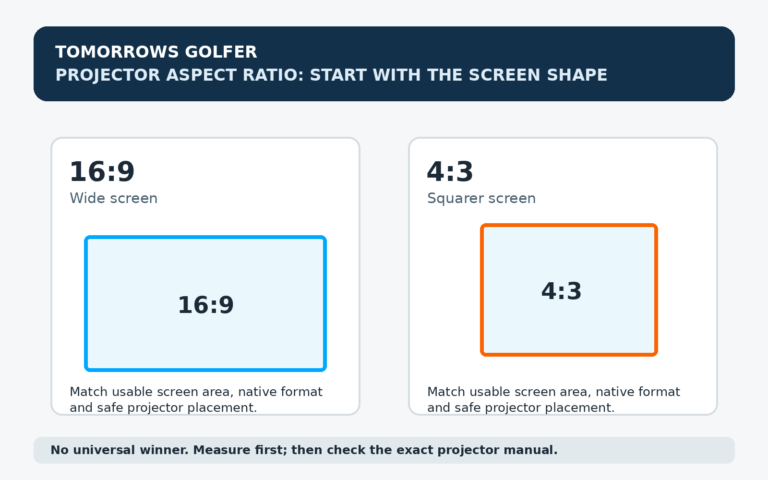
A simulator turns measured shots into a golf experience. The software can show ball flight, driving ranges, practice modes and virtual courses. In a more complete setup, the image is displayed on an impact screen or another display in front of the hitting area.
That changes the appeal. Instead of looking down at numbers after a shot, you can see a ball fly through a virtual hole or play a round with friends. It can make regular practice easier to stick with, especially when going to the range is inconvenient.
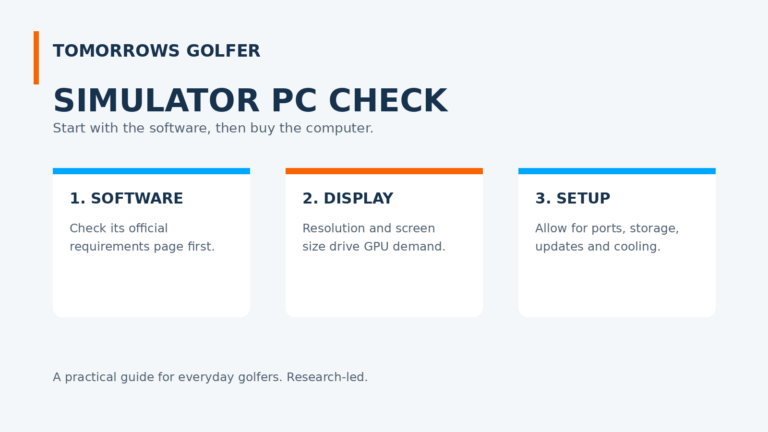
However, the word “simulator” can hide the extra decisions. You still need a safe hitting area, enough room for your swing, a suitable mat, a net or impact screen, and compatible software. A projector is optional in some builds, not a universal requirement.
Best for: golfers who want virtual golf and repeatable indoor practice in a dedicated or semi-dedicated space.
The trade-off: the total cost, setup time and space requirement can be much higher than buying a launch monitor alone.
Do you need a launch monitor for a simulator?
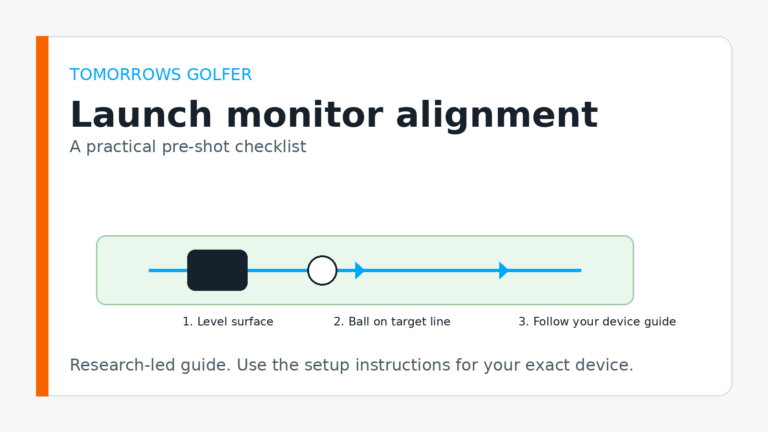
In most full-swing simulator setups, yes. The system needs a way to capture the shot and send that information to the software. The launch monitor may sit behind the ball, beside it, or overhead, depending on the technology and model.
There are exceptions at the budget end, including games and training systems that estimate or simplify certain outcomes. Treat those as a different category from a simulator built around measured ball flight. When comparing products, check exactly what hardware is included and what the software needs to run.
The practical differences that affect your decision
1. Space and safety
A portable launch monitor can work outdoors with very little permanent setup. An indoor simulator needs more planning: room dimensions, ceiling height, a clear hitting zone, safe ball containment and enough space behind or beside the ball for the chosen unit. Our golf simulator room-size guide is the place to start before buying furniture or hardware.
2. Budget
Think in systems rather than sticker prices. A launch monitor may be the only major purchase for an outdoor practice setup. A simulator budget can also include mat, enclosure or net, screen, projector or television, computer or tablet, software and installation. The right comparison is the cost of reaching the experience you actually want, not just the price of the sensor.
For a fuller breakdown, see what a golf simulator can cost in the UK.
3. Practice versus play
If your main aim is to tighten distance control and understand your ball flight, a launch monitor may be enough. If the thing that will get you practising is playing a virtual front nine on a wet Tuesday evening, the simulator experience has a different value.
4. Upgrade path
Many golfers do not need to build the final version on day one. Starting with a launch monitor, mat and safe net can be sensible. You can then add simulator software, a better enclosure or a projector once you know the setup gets used. If you are weighing containment options, read our guide to golf simulator nets versus impact screens.
Who should buy which?
Choose a launch monitor if:
- you want straightforward feedback at the range or in a garden;
- you need portability or do not have a dedicated room;
- you want to build a simulator gradually;
- you care more about practice data than virtual courses.
Choose a golf simulator if:
- you have a safe, suitable space and will use it regularly;
- playing virtual golf is a major part of the appeal;
- you want visual ball flight and a more immersive practice routine;
- you are prepared to budget for the whole system, not only the sensor.
Tomorrows Golfer verdict
Do not buy a “simulator” because the label sounds more complete. Buy the setup that removes the biggest barrier to practice. For most golfers starting from scratch, a launch monitor is the more flexible first purchase. It gives you usable feedback and leaves room to grow.
A simulator earns its extra cost when the room, software and visual experience will genuinely make you play or practise more often. Before committing, check Trackman’s simulator overview and Foresight Sports’ simulator range alongside the documentation for the exact hardware you are considering. Compatibility and included software vary by product.