Golf Simulator Software Explained: What Are You Actually Paying For?
Evidence: Research-led guide. This article is based on current software and support documentation, not hands-on testing of every platform. It is designed to help UK golfers work out what simulator software actually adds, and which costs or compatibility questions to settle before buying.
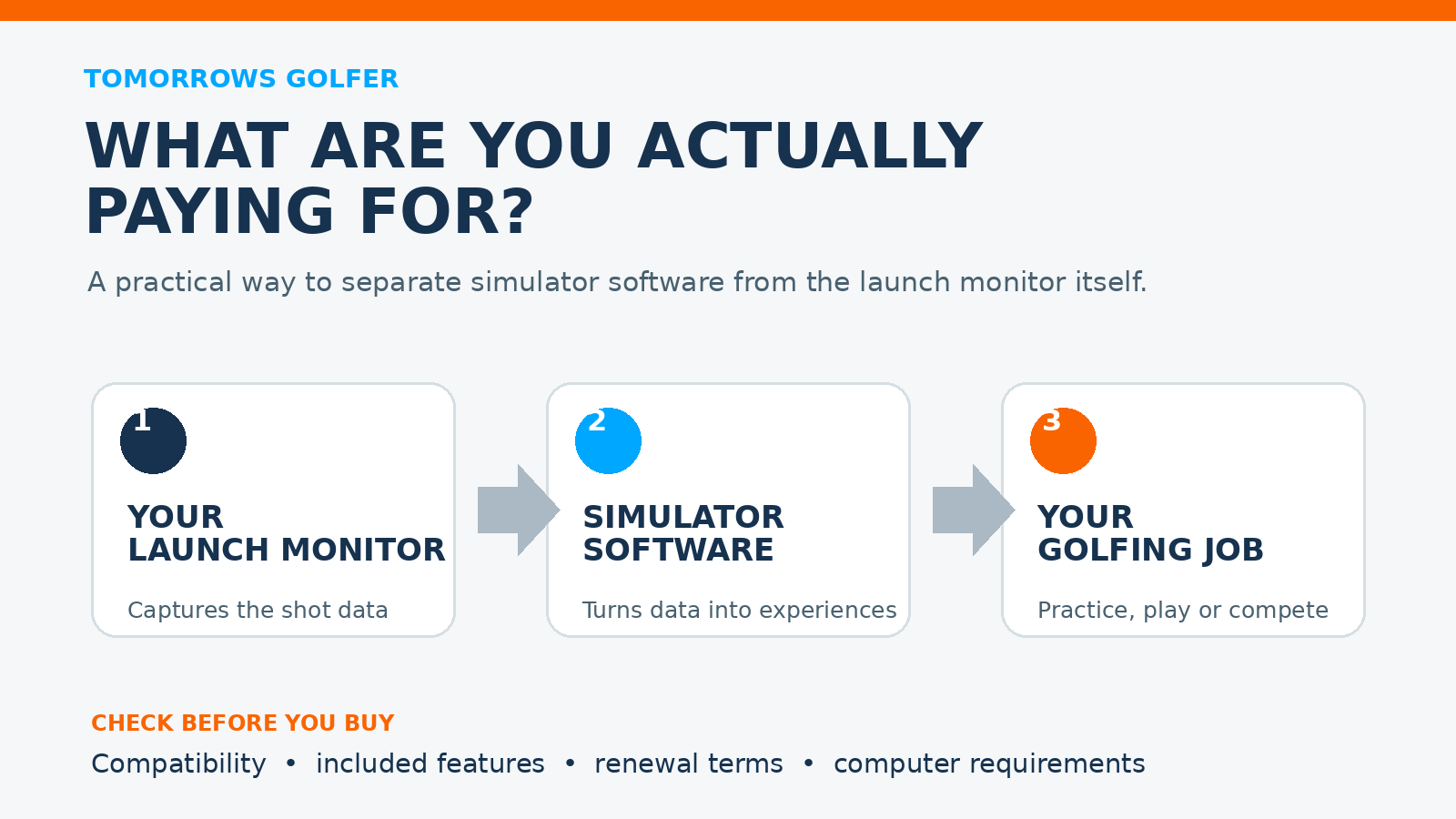
A launch monitor can give you ball and club data. Simulator software is the layer that turns compatible data into a practice range, virtual course, game mode or online round. That sounds simple, but it is also where ownership becomes less simple: software may be included, bought once, renewed annually, tied to a device ecosystem or dependent on a capable PC.
The useful question is not “which simulator software is best?” in the abstract. It is: what do you want to do with your launch monitor, and what will it keep costing after the hardware is in the room?
The short answer
If you only want ball-flight feedback and a focused practice session, you may not need a full simulator subscription. If you want virtual golf, multiple courses, competitions or an on-screen range, software becomes a central part of the setup rather than an optional extra.
Do not choose software from screenshots alone. Check device compatibility, the computer or mobile device it needs, what is included at purchase, what renews, and whether the features you care about sit behind a paid tier.
What simulator software actually does
Most packages sit somewhere between three jobs. Practice means a visual range, shot feedback, challenges and saved sessions. Play covers virtual courses, skills games and multiplayer formats. Finally, the connection layer gets your launch monitor’s data into the application and onto the screen you are using.
You will often get some version of the first job with a device app. The more realistic course play, online events, course libraries and high-detail graphics are where licensing and ongoing costs usually become more important. GSPro, for example, currently presents local and online play and identifies the supported launch-monitor partners on its own site. That is useful evidence of why compatibility is not an afterthought, but it is not a reason to assume any monitor will work with any software.
The five questions to answer before you pay
1. Is your launch monitor explicitly supported?
Start with the software maker’s compatibility page and your launch monitor manufacturer’s support material. A simulator can have excellent features but still be the wrong choice if your hardware is not supported in your region, needs an additional connector or only works through a particular app or PC setup.
Keep this check model-specific. Garmin’s Approach R10 support pages, for instance, separate topics for its Garmin Golf app, golf simulators and Home Tee Hero. That illustrates the point: a product can have several software routes, each with different requirements and features.
2. What is included, and what is recurring?
Separate the one-off hardware price from the software decision. Look for four lines on the checkout or support pages: included software, optional memberships, course or content packs, and renewal terms. A low first-year cost can be perfectly reasonable, but only if you know what changes later.
Do not rely on an old review for this. SkyTrak’s current knowledge base keeps memberships and requirements as dedicated support areas, which is a good reminder that plans and technical conditions can change. Confirm the current terms directly before you buy, particularly if a specific game mode or course access is the reason you are choosing a device.
3. What screen and computer does it need?
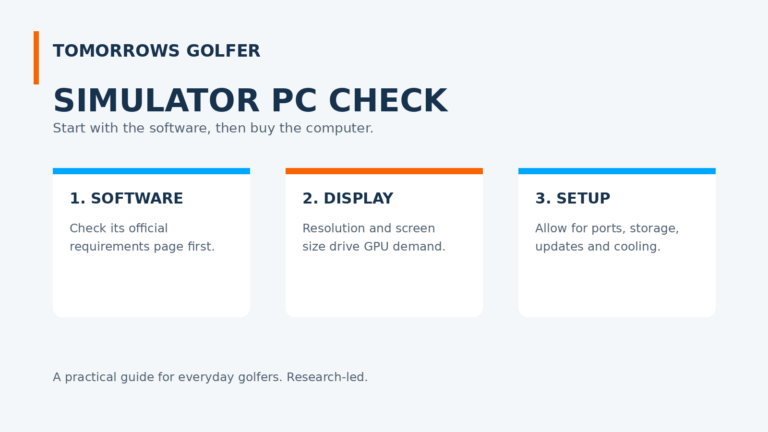
Some setups can work around a phone or tablet. Others are designed around a Windows PC, a TV or projector, and a stable connection. More detailed graphics are not automatically better for your game if they force you into a computer upgrade, longer setup time or a less reliable practice routine.
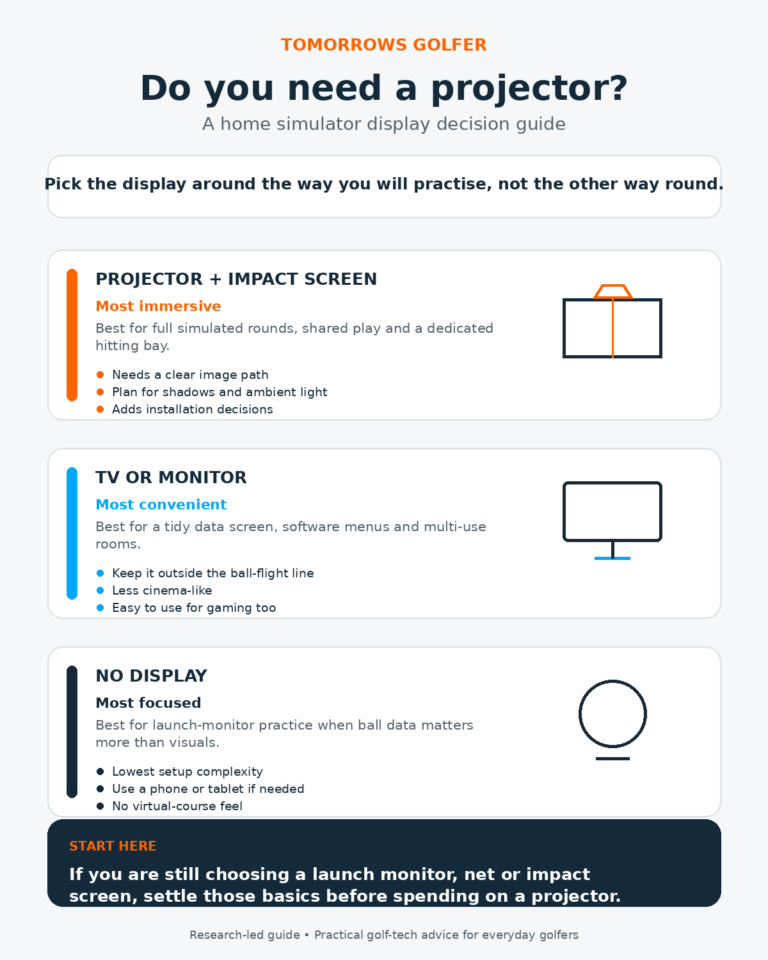
Before buying a projector, work through whether a projector is actually necessary for your home simulator. Before buying any display, make sure the whole room works in practice by checking how much simulator room you need.
4. Are you buying practice or entertainment?
This distinction saves money. A golfer trying to make range sessions more purposeful may get most of the value from clear feedback, saved sessions and a repeatable practice target. A golfer building a social home setup may value courses, multiplayer and a smoother big-screen experience more highly.
Neither answer is more serious. The mistake is paying for a course library when you mainly want ten focused balls after work, or trying to make a basic range mode serve as the centrepiece of a family simulator room.
5. How much friction will the setup add?
The best software is the one you will use. Think through the ordinary session: switch on the monitor, open the app, connect, choose a mode, hit balls and pack away. If your setup needs several devices, updates and cables every time, it may be a better showcase than practice tool.
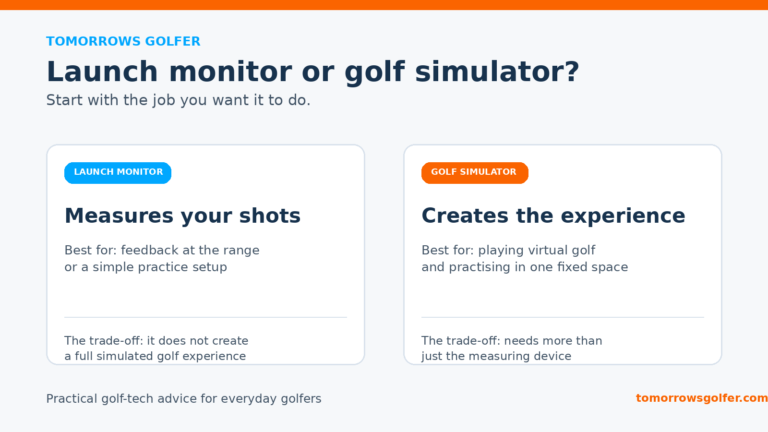
That is also why the launch-monitor decision comes first. Read our guide to launch monitors versus golf simulators if you are still deciding whether you need a data device, a complete virtual-golf setup, or something between the two.
Three sensible routes for everyday golfers
Keep it simple: device app and practice modes
Best for: golfers who want feedback, repeatable range sessions and the lowest practical commitment.
The trade-off: fewer virtual courses and less of the big-screen simulator feel.
Pay for software because you will play virtual golf
Best for: golfers who will genuinely use courses, games, online rounds or a shared home setup.
The trade-off: a recurring cost and potentially more demanding PC, display and connection requirements.
Build in stages
Best for: golfers who are unsure whether a simulator will become a regular habit.
The trade-off: you may buy twice if your initial hardware, display or software route cannot grow with you.
Building in stages is often the sensible route. Get the launch monitor and a straightforward practice workflow working first. Add display hardware and paid software only when you know how often you will use them. Our guide to golf simulator costs can help you see the wider budget, including the parts that do not appear in the headline package price.
Common buying mistakes
- Assuming a device includes every software feature forever. Check the current plan, renewal and compatibility pages.
- Choosing a platform before checking the PC. The software may determine the computer and display budget.
- Paying for course play when you mainly need practice feedback. Match the package to how you will actually use it.
- Confusing a software subscription with a launch-monitor subscription. They can be separate decisions, so read both sets of terms.
- Forgetting the setup routine. A less elaborate setup that gets used twice a week beats a more impressive one that stays switched off.
Verdict: software is a decision, not an add-on
Golf simulator software can turn a useful launch monitor into a much more engaging home setup. It can also add an annual bill, a PC requirement and more things to troubleshoot. For most everyday golfers, the right route is to start with the golfing job you want the setup to do, then check compatibility and current terms before committing.
If your main aim is better practice, do not assume the most feature-rich subscription is automatically better value. If virtual rounds are the reason you are investing, treat the software as one of the core purchases and budget for it properly.
Official sources and further checks
- GSPro: software features and supported launch-monitor partners
- SkyTrak Knowledge Base: requirements and memberships
- Garmin Approach R10 support: app, simulator and Home Tee Hero topics
Product compatibility, subscriptions, included content and prices change. Confirm the latest details with the relevant manufacturer or software provider before you buy.