Do You Need a Projector for a Home Golf Simulator?
Evidence label: Research-led. This guide is based on practical simulator setup considerations, product documentation and common display constraints. It is not a hands-on projector, television or simulator review.
Short answer: no, you do not need a projector for a home golf simulator. A projector and impact screen are the most immersive option if you want to play simulated rounds into a full-size image. They are not automatically the most sensible first purchase. A television or monitor is often easier in a multi-use room, while a no-display setup can be the most focused and least complicated way to practise with a launch monitor.
The mistake is treating the display as the centre of the build. For most everyday golfers, the priority order is safer and simpler: confirm your room works for a swing, choose a launch monitor that suits the space, make sure you have a safe hitting solution, then decide how much display experience you genuinely need. Our golf simulator room-size guide is the sensible first read if the room is still only an idea.
Who this guide is for
It is for golfers planning a garage, spare-room, garden-office or indoor practice setup in the UK and trying to decide whether a projector belongs in the budget. It is especially relevant if the room has to serve more than one job, such as parking, storage, family use or a normal television room.
Who should skip it
Skip this if you already have a fixed impact screen, a permanent hitting bay and a display position planned. At that point, the question is less about whether you need a projector and more about choosing a model with the right throw, brightness, input options and mounting arrangement. The manufacturer documentation for your chosen projector, launch monitor and simulator software should guide those final compatibility checks.
The decision in one minute
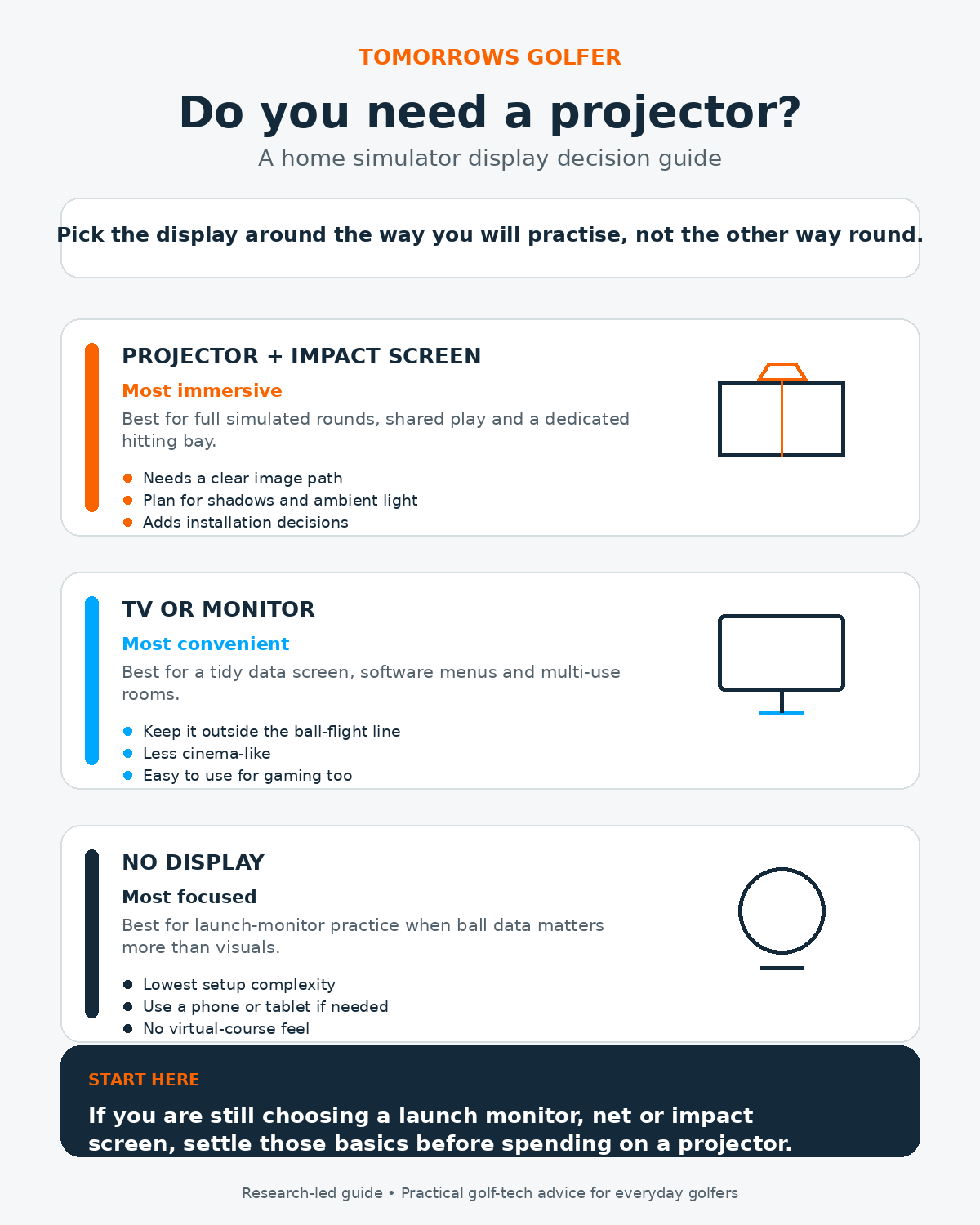
- Choose a projector and impact screen when full simulated rounds, a large image and a dedicated hitting experience matter most.
- Choose a TV or monitor when convenience, a shared room and straightforward software use matter most.
- Choose no fixed display when you mainly want ball data and repeatable practice, not a virtual-course experience.
Option 1: Projector and impact screen
Best for: a dedicated simulator bay where playing courses is part of the point.
The trade-off: the image can feel much more like a proper simulator, but you add room-planning, lighting and installation decisions before you have hit a ball.
A projector earns its place when the image is projected onto the surface you are hitting into. That puts the virtual course in front of you rather than off to one side, which is why it is the familiar choice for a purpose-built simulator room.
It also suits households where the simulator is a shared activity. A bigger front-facing image is easier for someone waiting their turn to follow, and it makes putting and course play feel more coherent than looking across to a separate screen. If your setup is meant to be an entertainment space as well as a practice tool, that benefit is real.
Room size and screen placement
Start with the swing and ball-flight area, not the diagonal of a projected image. You need enough width, height and depth to swing safely, position the launch monitor correctly and allow for the screen or net. A projector cannot rescue a room that is too shallow or too low for comfortable use.
Screen placement also determines whether a projector is practical. The image must fill the usable hitting surface without important information being lost at the edges. A screen that is too high, too narrow or set behind a restrictive enclosure can leave you with a technically working image that is awkward to play into.
For more on the physical order of operations, see how much space a golf simulator needs.
Shadows and lighting
Projectors need a clean route to the screen. If the projector is positioned behind the golfer, the golfer, club or raised hands can interrupt the light path. Ceiling mounting can reduce that problem in some rooms, but it introduces another constraint: the mount location, cable route and image geometry all need to work with the swing area.
Ambient light matters too. A projector image is usually easier to see when you can control daylight and strong room lighting. A garage with a door open on a bright afternoon, or a conservatory with lots of glass, may make a television or monitor more convenient for everyday use. This is not a reason to avoid a projector automatically. It is a reason to assess how and when you will use the room before committing to one.
Installation and day-to-day friction
A fixed projector setup can look clean once finished, but getting there may involve a ceiling mount, power, a longer video cable, cable protection and an adjustment period. A portable projector removes some of that work, but it also creates a repeatable setup task every time you want to play. If the room is shared, consider whether putting the equipment away will become a chore that stops you using it.
Option 2: TV or monitor
Best for: golfers who want a clear data and software screen in a room that still has other uses.
The trade-off: it is less immersive than hitting into a projected course, but usually easier to place, switch on and use for other things.
A TV or monitor can be a very sensible simulator display. It is useful for launch-monitor numbers, simulator menus, shot replays and course visuals, even when you are hitting into a net or a plain impact surface. You do not need a wall-sized image to get useful feedback from a session.
For some golfers, it is the better all-round purchase because it can double as a normal screen for gaming, streaming or work. That matters in a spare room or garage where every bit of kit has to justify the space it occupies.
Keep it out of the ball-flight line
The non-negotiable is placement. A normal television or monitor is not an impact screen, so it should sit well away from the likely ball path and outside the area where a mishit, ricochet or loose club could reach it. Side-wall placement, a protected rear position or a movable stand can work, depending on the room. The safest answer depends on your net, screen, enclosure and shot shape.
A separate display can also make sense with a launch monitor that needs space behind or in front of the ball. The technology choice changes the layout. If you are still comparing tracking methods, read our guide to radar versus camera golf simulator technology before deciding where every screen and cable will go.
Convenience and simulator use
A TV or monitor is normally the lower-friction route for short practice sessions. Turn it on, open the app or software, hit balls and check the data. It is also less dependent on a darkened room. The compromise is that putting, course play and the feeling of aiming at the virtual target are less natural when the image sits off to the side.
That compromise may not matter if your primary goal is practice. If you are using a launch monitor to improve strike, club delivery or distance control, the numbers and a clear target can be more valuable than a cinematic image. Our guide to using launch-monitor data without overthinking it applies indoors too: decide which numbers will inform your next shot before you start.
Option 3: No fixed display, or a small device when needed
Best for: golfers who want a simple practice station and are not trying to recreate an indoor golf venue.
The trade-off: it is the least immersive choice, but it can be the most efficient and the easiest to build around the rest of the kit.
A simulator does not have to mean a giant screen. Many golfers can get useful practice from a launch monitor, a net or impact screen, and a phone or tablet used only when they need to review a result. Others may run a session without looking at a display between every shot, then check a small set of numbers afterwards.
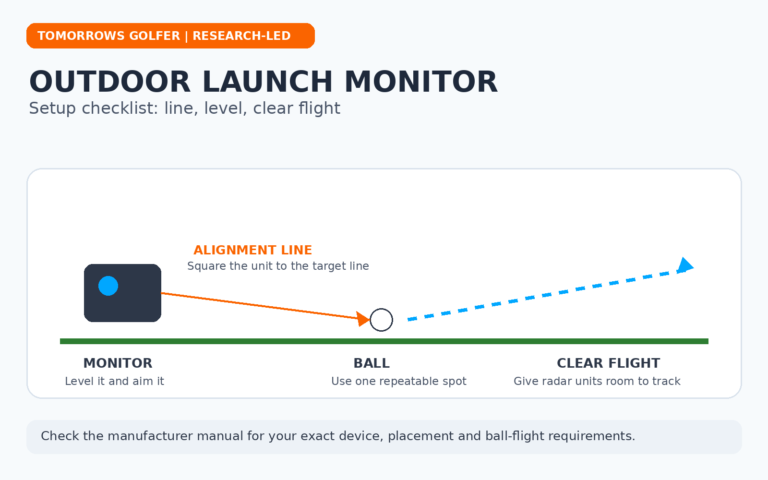
This route is worth considering when space is tight, the room is temporary, or the budget is better spent on a safer net, mat, screen or launch monitor. It also keeps the setup easier to move outdoors when the weather allows. If that flexibility is appealing, our article on using a launch monitor outdoors explains the practical considerations.
When a display is not the first purchase
A projector is not the first purchase when any of these are still unresolved:
- You are not sure you can make a full, safe swing in the room.
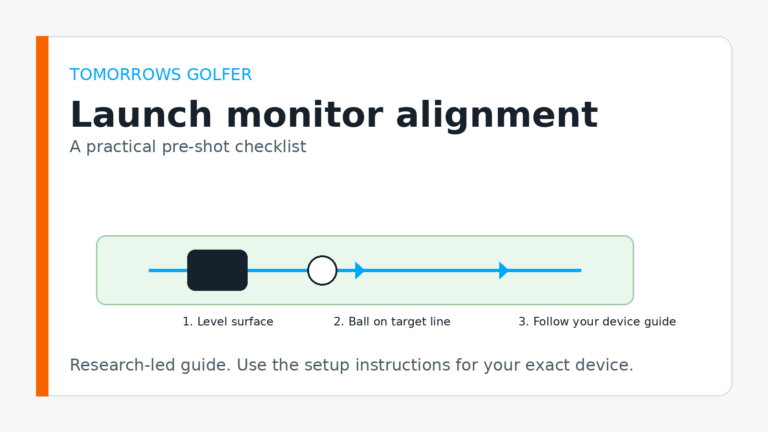
- You have not chosen the launch monitor or checked its placement requirements.
- You are still deciding between a net, impact screen or enclosure.
- Your hitting mat moves, slips or does not suit the type of practice you want to do.
- You do not yet know whether the room needs to be packed away after each session.
There is nothing wrong with building in stages. Start with the practice setup that gets used, then add the display that makes the experience better. A strong launch-monitor-and-net station can provide more useful practice than an expensive projected image in a room that is awkward to set up.
Practical UK buying advice
For many UK homes, the deciding factor is not image quality. It is whether the garage, spare room or garden office can become a reliable hitting space without a big reset every time. A fixed projector is compelling when the room is genuinely dedicated and you can control lighting. A TV or monitor is often the practical middle ground when the space is shared. No fixed display is the sensible starting point when the goal is repeatable practice rather than simulated rounds.
Avoid buying a projector simply because it appears in polished simulator builds online. Those setups often assume a permanent room, controlled lighting and time for installation. Your best setup is the one that lets you hit balls safely and regularly.
Verdict
You do not need a projector for a home golf simulator. You need one when the front-facing virtual-course experience is important enough to justify the space, lighting and installation work. For a dedicated bay, it can be the right finishing piece. For a multi-use room, a TV or monitor is usually more convenient. For focused practice, no fixed display may be the smartest choice of all.
Before spending on any display, confirm the room, launch monitor and hitting solution. Then choose the screen that supports the kind of golf you will actually play indoors.